_edited.png)
Why Do My Eyes Hurt After Using a Laptop for Long Hours?
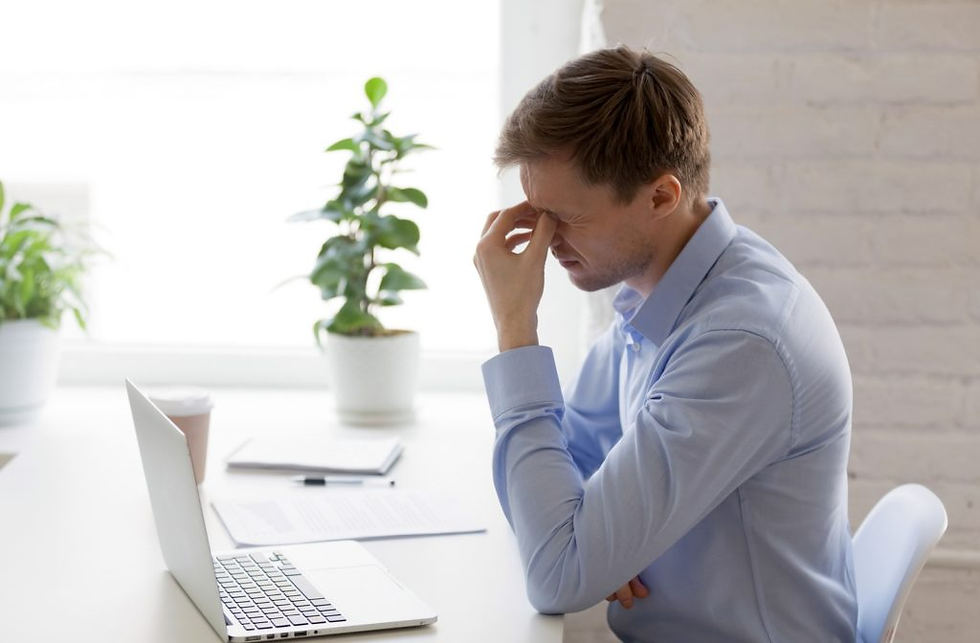
Understanding Why Eye Pain Happens During Laptop Use
In today’s digital world, laptops have become a necessary part of work, education, entertainment, and communication. People spend several hours every day staring at screens for office tasks, online classes, gaming, video streaming, and social media. While technology has improved convenience and productivity, it has also increased eye-related problems significantly. One of the most common complaints among laptop users is eye pain after prolonged screen time. Many people experience tired eyes, dryness, headaches, blurry vision, burning sensations, or irritation after working on a laptop for long hours. In most cases, this happens because the eyes become strained from continuous focus and reduced blinking. This condition is commonly known as digital eye strain or computer vision syndrome
How Long Laptop Use Affects the Eyes
When you use a laptop continuously, your eyes work much harder than usual. Unlike reading from paper, digital screens force the eyes to constantly adjust focus because of brightness, glare, contrast, and flickering light. At the same time, people tend to blink less while concentrating on screens. Normally, humans blink around 15 to 20 times per minute, but during laptop use, the blinking rate drops significantly. This reduces moisture on the surface of the eyes and leads to dryness, irritation, and discomfort. Dry eyes are one of the biggest reasons people experience pain after long hours of screen exposure Continuous focusing also puts stress on the eye muscles. When the eyes remain fixed at the same distance for hours, the focusing muscles become tired and overworked. This may lead to aching eyes, temporary blurry vision, difficulty concentrating, and headaches. Many people notice that after extended laptop use, objects appear slightly blurry or their eyes feel heavy and exhausted. This is a common sign of digital eye strain
Blue Light, Glare, and Poor Screen Habits
Laptop screens emit blue light, which can increase visual fatigue, especially during nighttime use. Although normal screen exposure may not permanently damage the eyes, excessive blue light exposure can contribute to eye discomfort and poor sleep quality. People who use laptops late at night often experience difficulty sleeping because blue light affects melatonin production, the hormone responsible for sleep regulation. Poor sleep can further worsen eye fatigue the next day Screen glare and improper brightness settings also increase stress on the eyes. If the laptop screen is too bright or too dim compared to the surrounding environment, the eyes constantly struggle to adapt to changing light levels. Reflections from windows, overhead lights, or glossy screens force the eyes to work even harder. Over time, this can cause soreness around the eyes, headaches, and difficulty focusing Poor posture during laptop use is another major factor that contributes to discomfort. Many people sit too close to the screen or use laptops in awkward positions for long periods. Incorrect posture increases strain not only on the eyes but also on the neck, shoulders, and back. Eye pain often occurs together with neck stiffness and headaches because the body remains under constant stress during prolonged screen use.
Common Symptoms of after Laptop-Related Eye Strain
People experiencing digital eye strain may notice several symptoms after using a laptop for long hours. The most common signs include dry eyes, blurry vision, eye redness, headaches, burning sensations, watery eyes, light sensitivity, and tired or heavy eyes. Some people may also experience neck pain, shoulder discomfort, and difficulty focusing after extended screen time. These symptoms usually become worse when screen exposure continues without regular breaks
How to Reduce Eye hurt Pain From Laptop Use
Fortunately, there are many simple ways to reduce eye hurt strain and improve eye comfort during laptop use. One of the most effective methods is following the 20-20-20 rule. Eye specialists recommend that every 20 minutes, you should look at something 20 feet away for at least 20 seconds. This helps relax the focusing muscles and reduces stress on the eyes Maintaining proper screen distance is equally important. The laptop screen should ideally be placed at an arm’s length distance and slightly below eye level. Proper positioning reduces strain on both the eyes and neck. Adjusting screen brightness according to the surrounding lighting conditions can also make viewing more comfortable Taking regular breaks throughout the day is extremely helpful for reducing digital eye strain. Avoid staring at the screen continuously for several hours without rest. Short breaks allow the eyes to recover and reduce fatigue. Staying hydrated and blinking more frequently can also help maintain eye moisture and reduce dryness People who wear glasses or contact lenses should have regular eye checkups because even small vision changes can increase discomfort during screen use. In some cases, eye specialists may recommend lubricating eye drops for people who frequently experience dry eyes while working on laptops
When to See an Eye Specialist
Occasional eye strain from laptop use is common, but persistent symptoms should not be ignored. If you regularly experience severe eye pain, continuous blurry vision, strong headaches, double vision, or excessive dryness, it is important to consult an eye doctor. Sometimes these symptoms may indicate underlying vision problems that require proper treatment
Final Thoughts
Eye pain after using a laptop for long hours has become one of the most common health concerns in the digital age. Prolonged screen exposure, reduced blinking, blue light, glare, and continuous focusing all contribute to eye strain and discomfort. Fortunately, healthy screen habits and proper eye care can greatly reduce these problems. Taking breaks, improving posture, adjusting screen settings, and caring for your eyes properly can help protect your vision and make laptop use more comfortable in daily life

Comments